
 Paloma
Never forget when leaving work.
Type "call mom when leaving work" or "grab groceries on my way home." Paloma catches the errand and the trigger in one sentence, and reminds you the instant you step out the door.


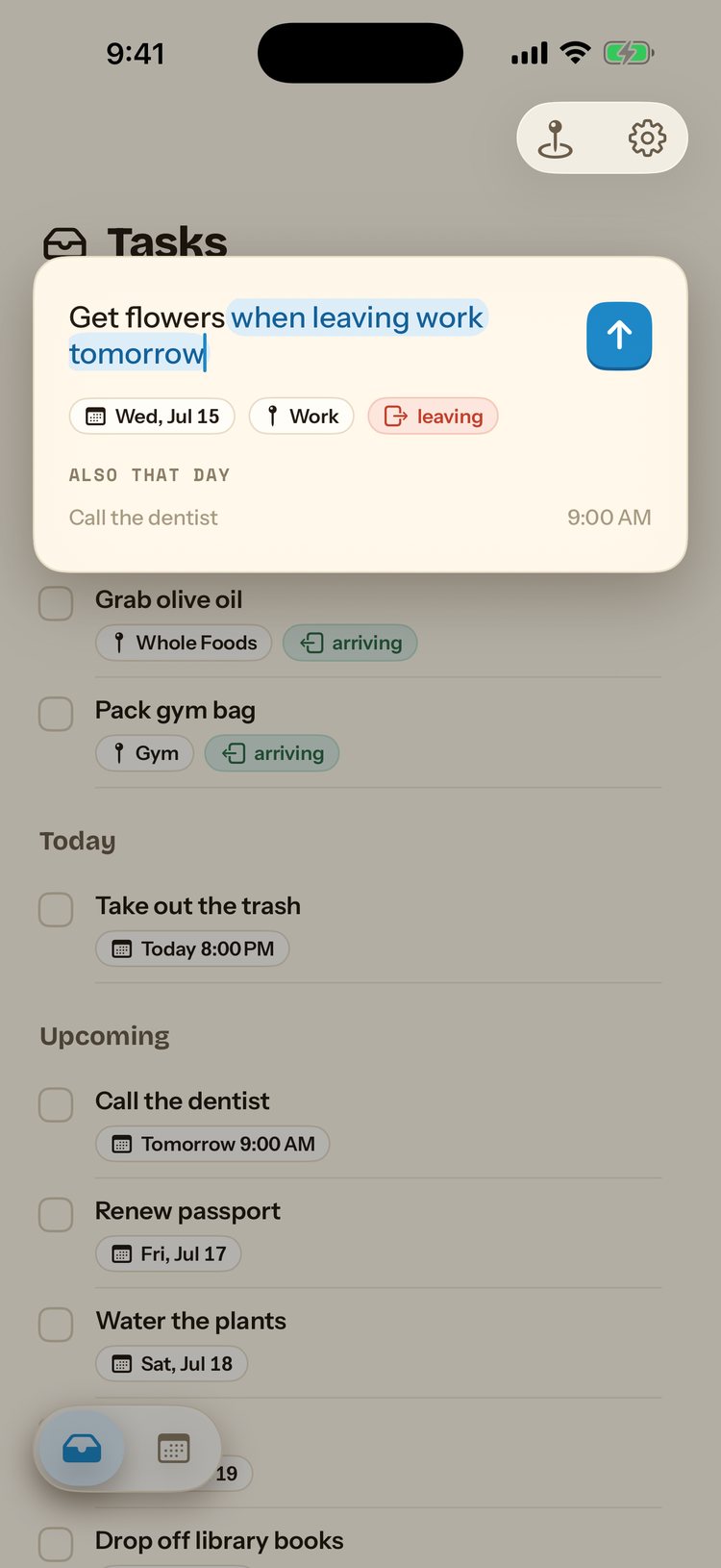
Departure is a trigger too.
Sticky-note reminders on your desk get left behind. Paloma ties the reminder to the act of leaving, so it surfaces exactly when you're walking out, while it's still useful.
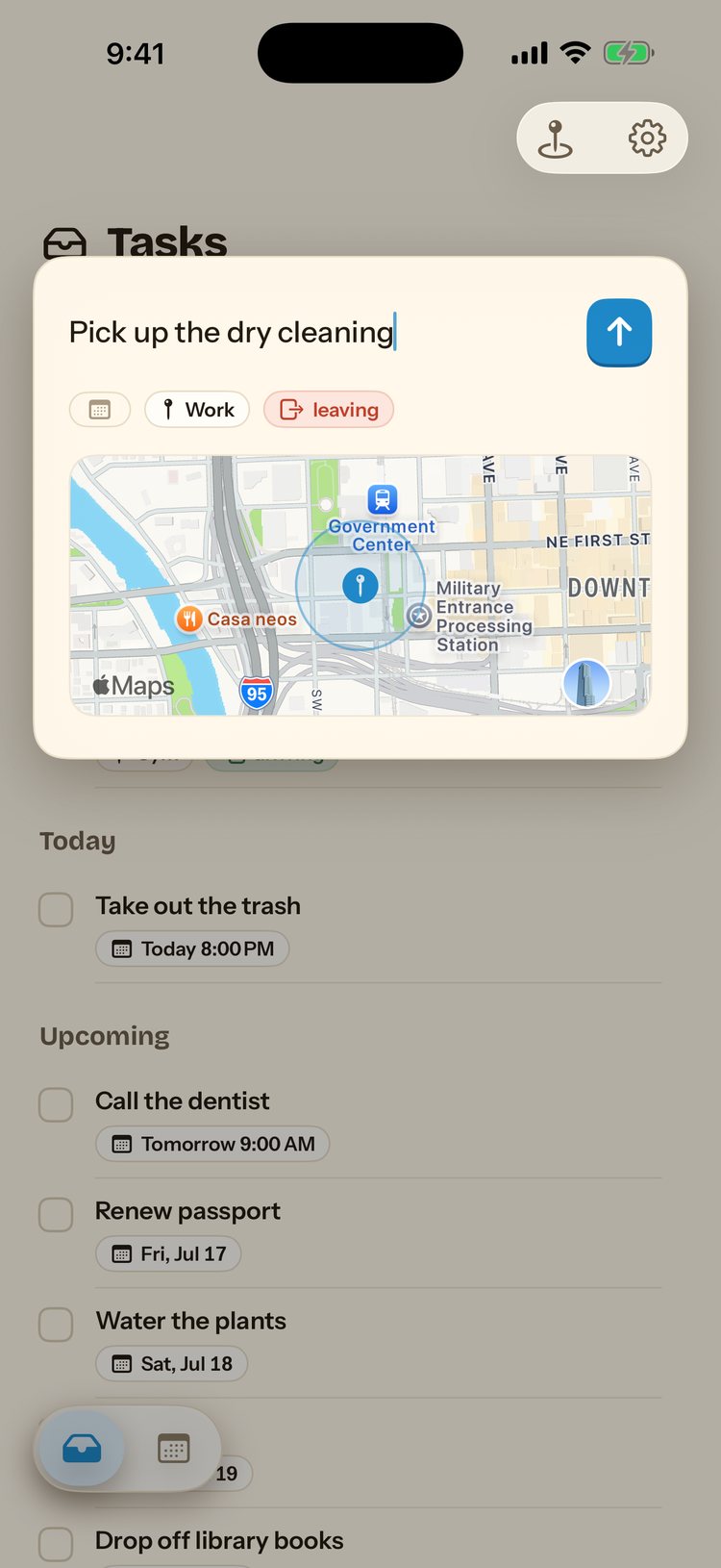
Save "Work" once, reuse it forever.
Set your Work place once and every future reminder that mentions "work" or "the office" links to it automatically, arrive or leave, with an adjustable radius so it fires at the parking lot, not the front door of a whole business park.

How it works
Say the errand and "leaving work"
One sentence covers what to do and when to be reminded.
Paloma watches your Work geofence
A departure trigger, the opposite of an arrival one.
It reaches you as you walk out
A notification lands the moment you leave, before you're already home.
Questions
What's the difference between an arrival and a departure reminder?
Arrival fires when you enter a saved place's radius; departure fires when you exit it. Paloma figures out which one you mean from the wording ("when I get to work" vs. "when I leave work").
Can I chain an errand onto a recurring commute?
Yes. A recurring departure reminder fires every time you leave work, useful for a daily "text the babysitter" or "check the parking meter" habit.
Does it work if I leave at a different time every day?
Yes, location triggers aren't tied to a clock. The reminder fires whenever you actually leave, whether that's 5pm sharp or a late night.
What does Paloma cost?
A 7-day free trial, then $49.99 a year. Monthly ($14.99) and weekly ($7.99) options are also available.

Leave work. Get reminded.
Download Paloma and stop forgetting the errand between here and home.
7-day free trial, then $49.99 a year. Cancel anytime.