
 Paloma
Remind me when I get home.
Type it exactly like that. Paloma sets a geofence around your home and fires the reminder the moment you walk in the door, no address forms, no manual map pin.


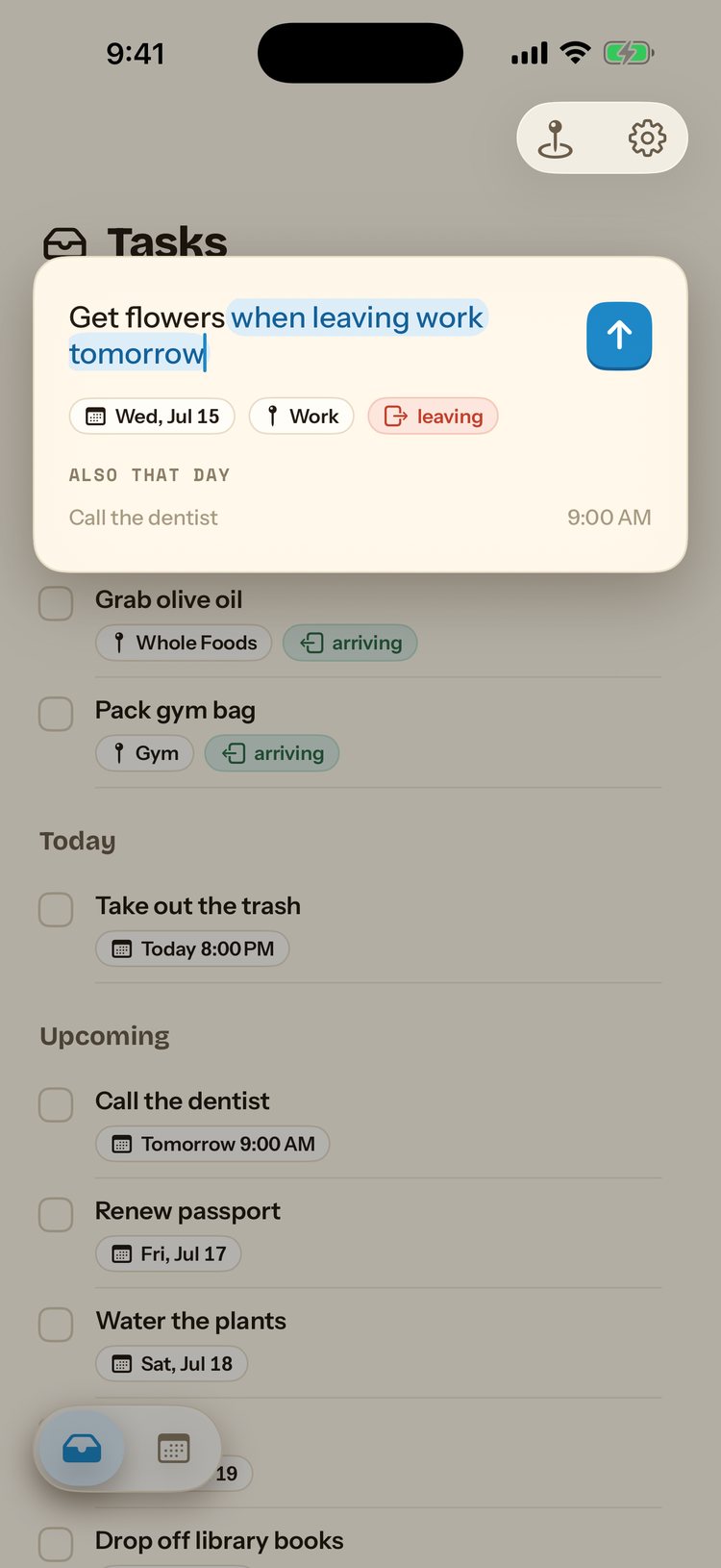
One sentence, not one form.
Most reminder apps make you fill in a name, pick a location on a map, and choose arrive or leave from a menu. Paloma just reads the sentence.
Arrival, not a timer.
Paloma uses your iPhone's location services to trigger on arrival at a geofenced radius around a saved place, so the reminder can't fire too early or too late. It works even if you take a different route home. Your location is processed on-device and never leaves your phone.

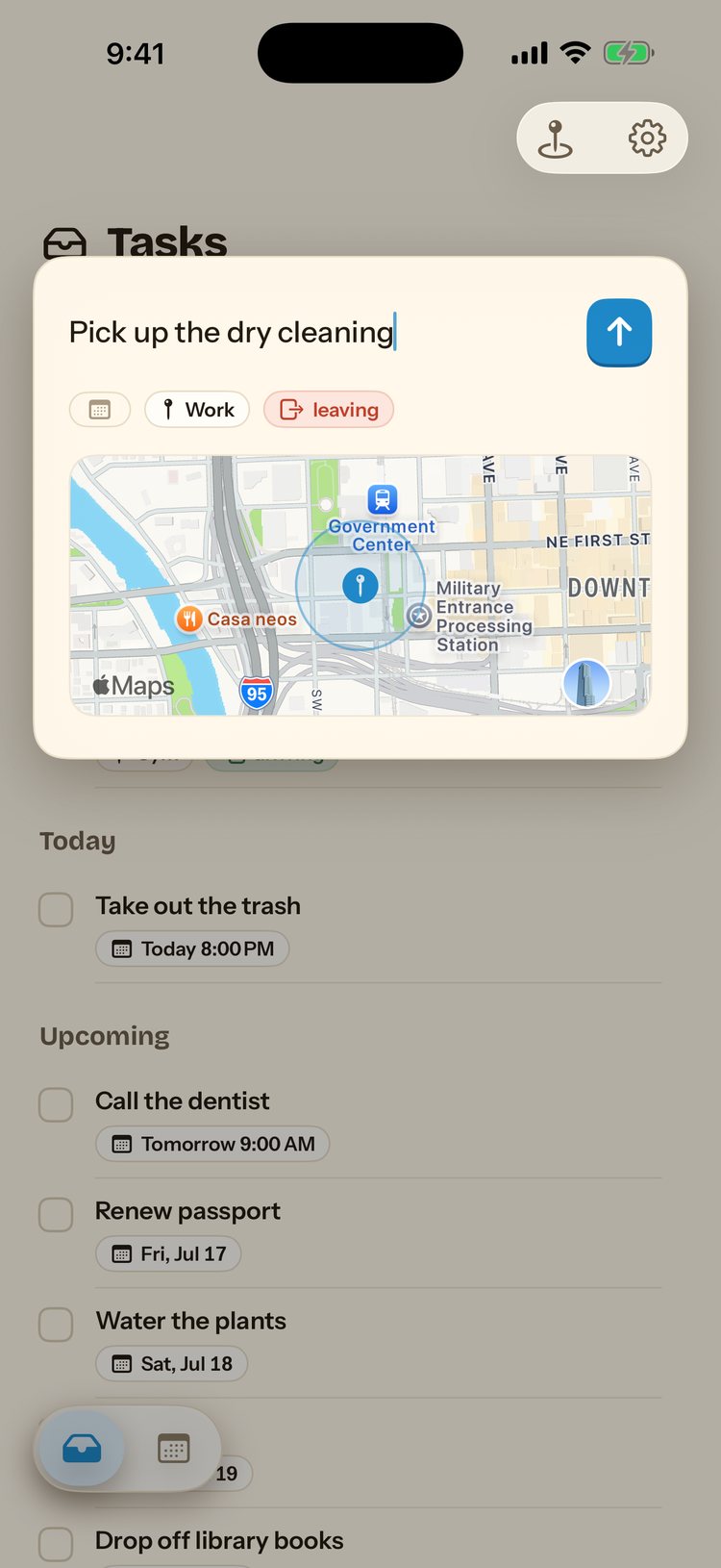
How it works
Type "remind me when I get home"
Or anything with "home" in it, plain language, no fields.
Paloma sets an arrival geofence
Using your saved Home place, with an adjustable radius.
It fires as you arrive
A notification lands the moment your iPhone detects you're home.
Questions
Do I have to set my home address manually?
You save "Home" as a place once, from your current location or by searching an address. After that, typing "home" in any reminder links it to that saved place automatically.
Does this drain my battery?
Paloma uses iOS's built-in region-monitoring APIs for geofencing, the same low-power system Apple's own apps use, instead of continuously polling GPS.
Can I make it recurring, for every day I get home?
Yes. A recurring arrival reminder fires every time you get home, useful for habits like feeding a pet or logging your day.
What does Paloma cost?
A 7-day free trial, then $49.99 a year. Monthly ($14.99) and weekly ($7.99) options are also available.

Say it once. Paloma remembers.
Download Paloma and let arrival do the reminding.
7-day free trial, then $49.99 a year. Cancel anytime.